There are two kinds of tasks: Assignable and Delegable.
How can I tell if a task is Delegable?
In the Care Plan, the name of the task will contain the word Delegable.

Unlike Assignable tasks, Delegable tasks will not have instructions in the Care Plan. Instead, they will usually say “See DOT for instructions.”
Where are the instructions?
DOT instructions are always found in the Client Details screen, under the head DOT – Delegation of Task:
- From the Appointment Details screen, tap the Client Details icon
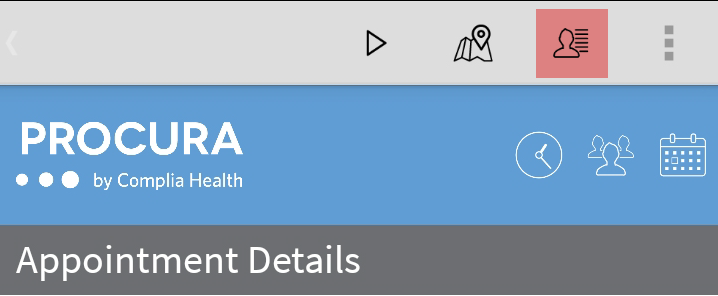
- Scroll to the bottom of Client Details until you see the heading DOT – Delegation of Task
- All DOTs for this client will appear here. If a client has multiple DOTs, read the title carefully.
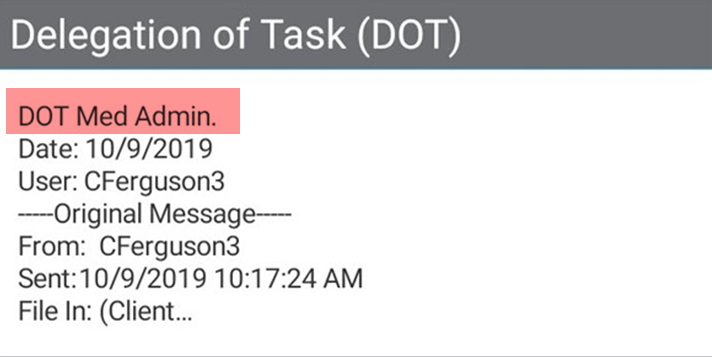
- Tap into the appropriate DOT to see the full instructions
How do I document Delegable tasks?
Delegable tasks are documented in exactly the same was as assignable. See the article on documenting care plan tasks for more information.