The Appointment Details view shows important information about the visit and location of the client. New icons are available in the Grey Bar at the top of the screen.
To see your client’s appointment details, follow these steps:
1. From today’s appointments view, tap on the client appointment.
A new screen appears showing Appointment Details, Directions, Care Plan Information and Appointment Information. If a Care Plan task is Delegation of Task (DOT) instructions will be in Client Details.
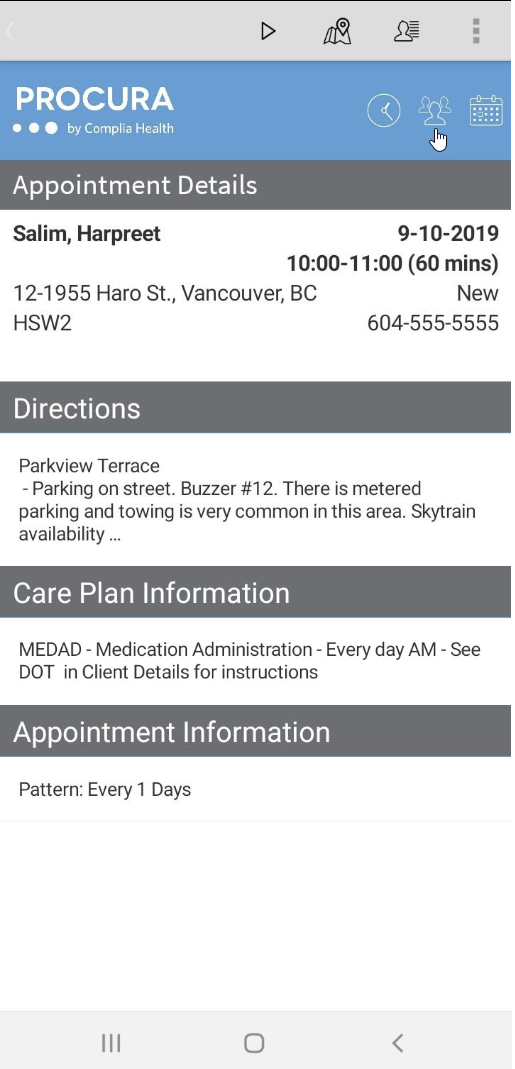
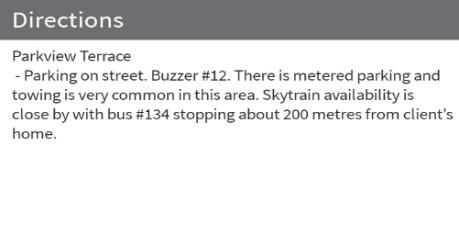
2. Sections ending in “…” have more details available, tap the ‘…’ to expand the view. Then tap the back arrow on the bottom of the phone to get back to Appointment Details.