Tasks are activities that you need to perform in Procura. There are two types of tasks: workflow-driven, which are generated by Procura, and user-specified, which are created by yourself or another user. The Task Planner is where you will see all of these tasks and manage them based on filters.
- Access Tasks from the Main Ribbon > Scheduling > Tasks.

The Task Planner uses Filters to organize the tasks by Department, Planner type, Date Range, Group, Area, etc. Depending on your role, you may have certain Planner types to manage. **Check with your team on what Tasks you should be responsible for.
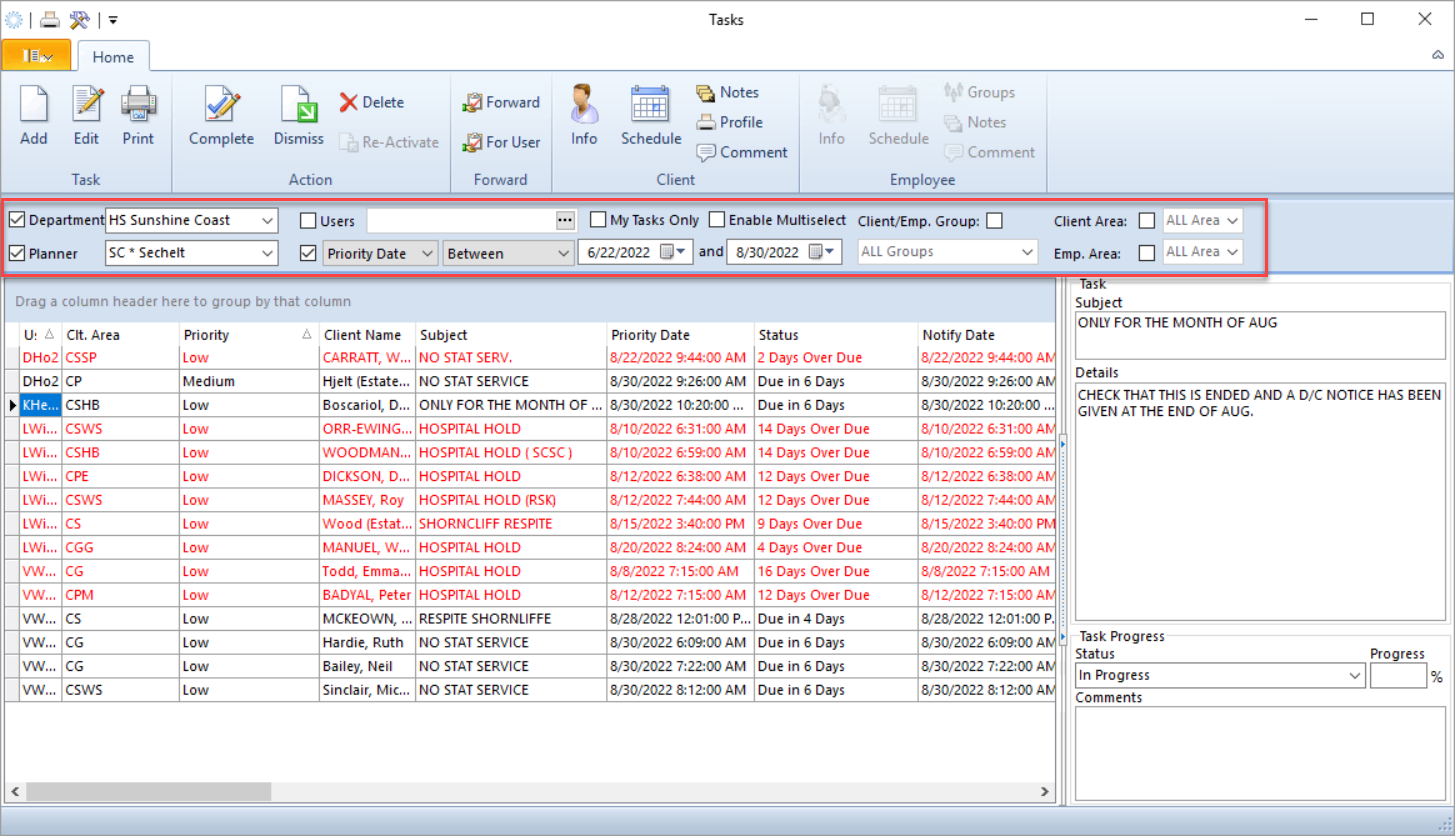
Like most areas in Procura, you can configure the Tasks view to your preferences using Environment Options  . You can also drag and drop columns to organize how you want to see the filtered information on the screen.
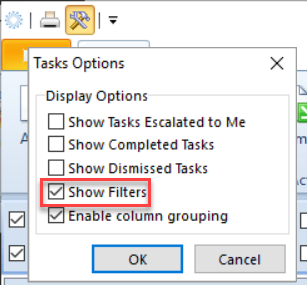
Hint: If you don't see your Tasks Filter area, go to Environment Options > Show Filters.