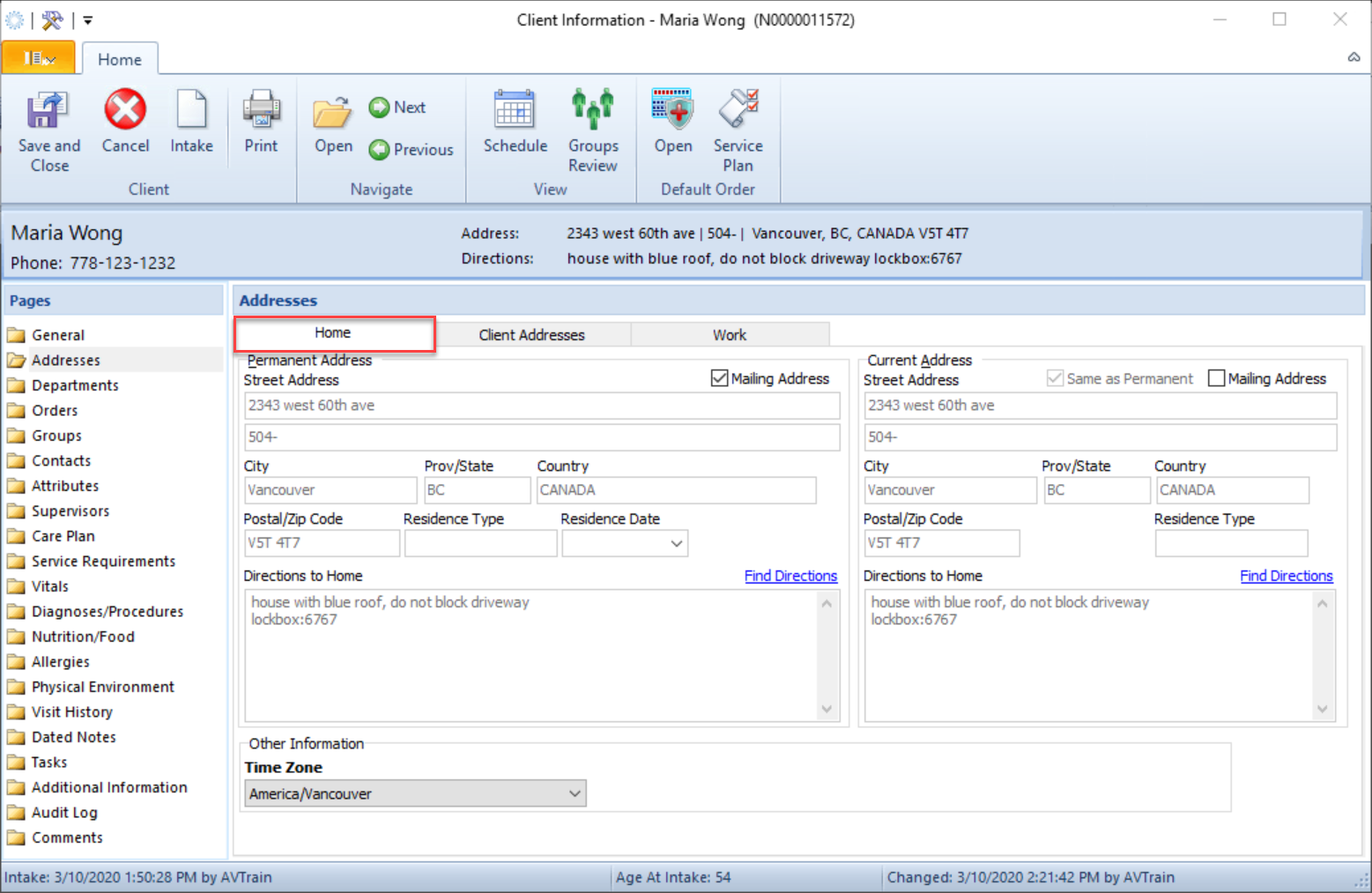
Follow these steps to add and geocode a client address.
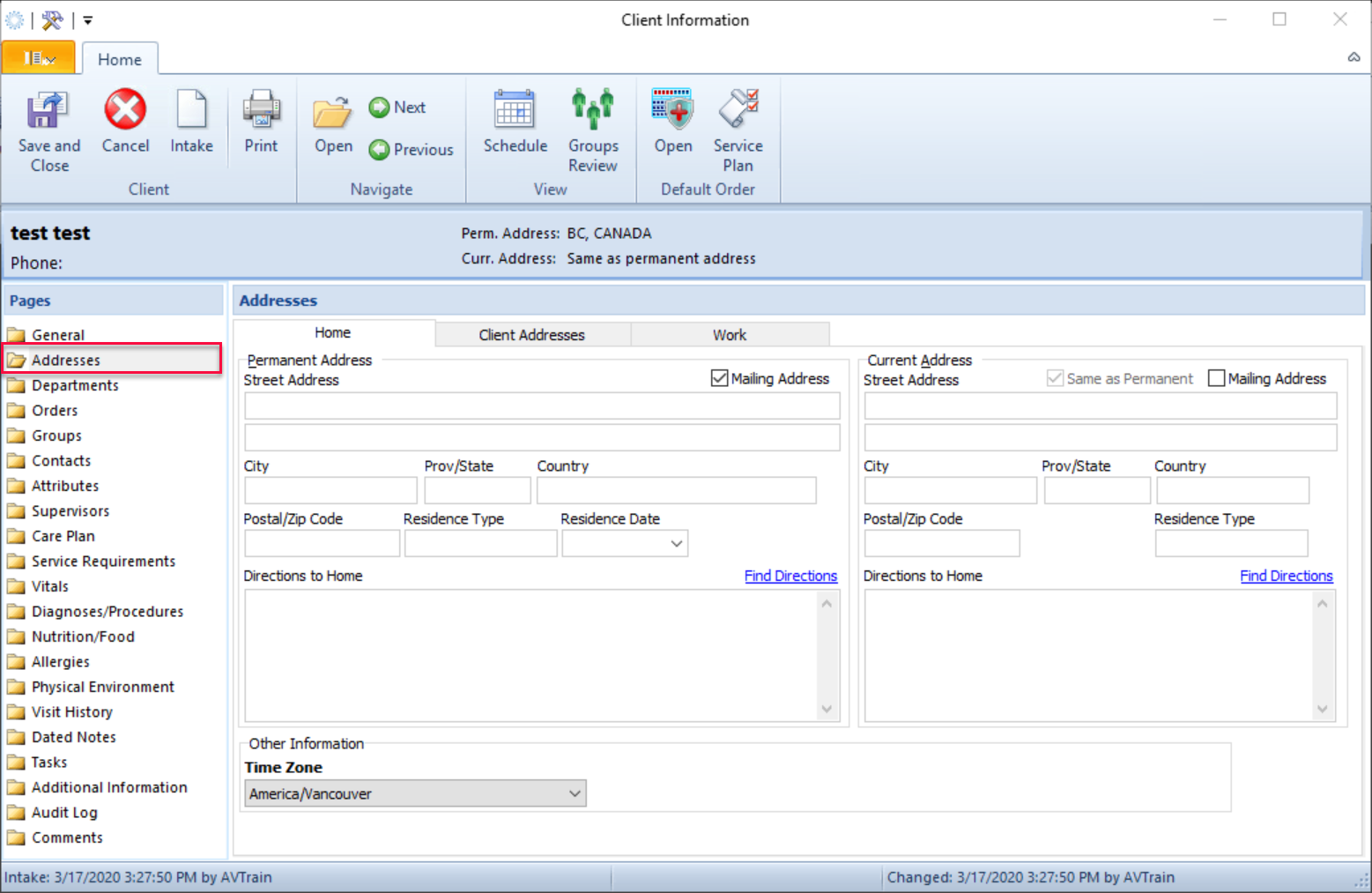
- From Client Information > Addresses folder
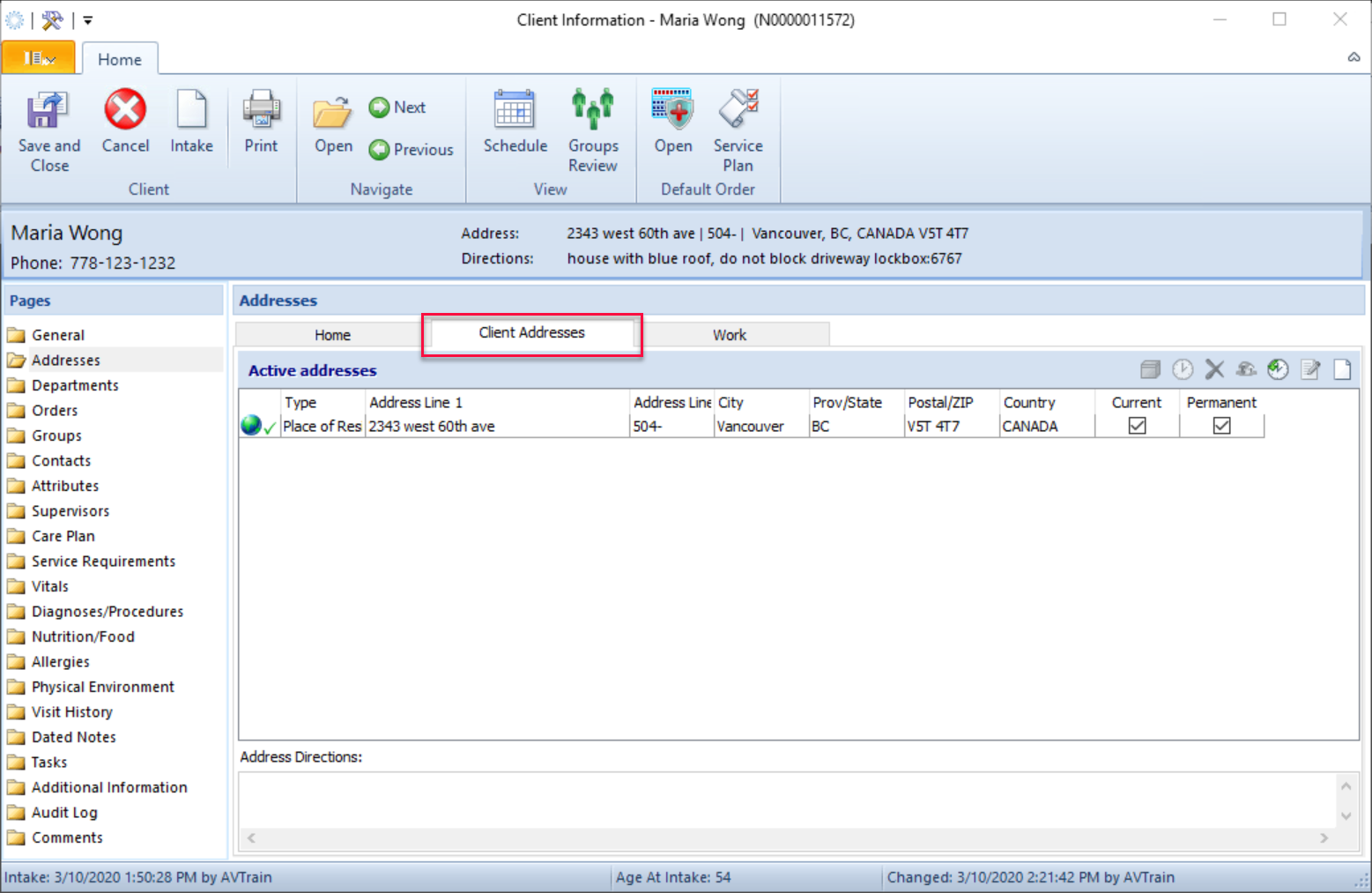
- Select the Client Addresses tab
- Click
 .
.
- Enter the Address type, address and address directions.
Note the address format:
Address line 1: 2343 west 60th a
Address line 2: #504
Address Directions: includes instruction on entry, lock box, parking etc.

Geocode the Address
This step is important in to allow staff to use the Locate Me feature and for mileage to be tracked and paid to the CHW.
- Click the globe button.

- Click Accept to verify Geocoded address suggestion. You can move the dropped pin
around to get an exact location of entrance.
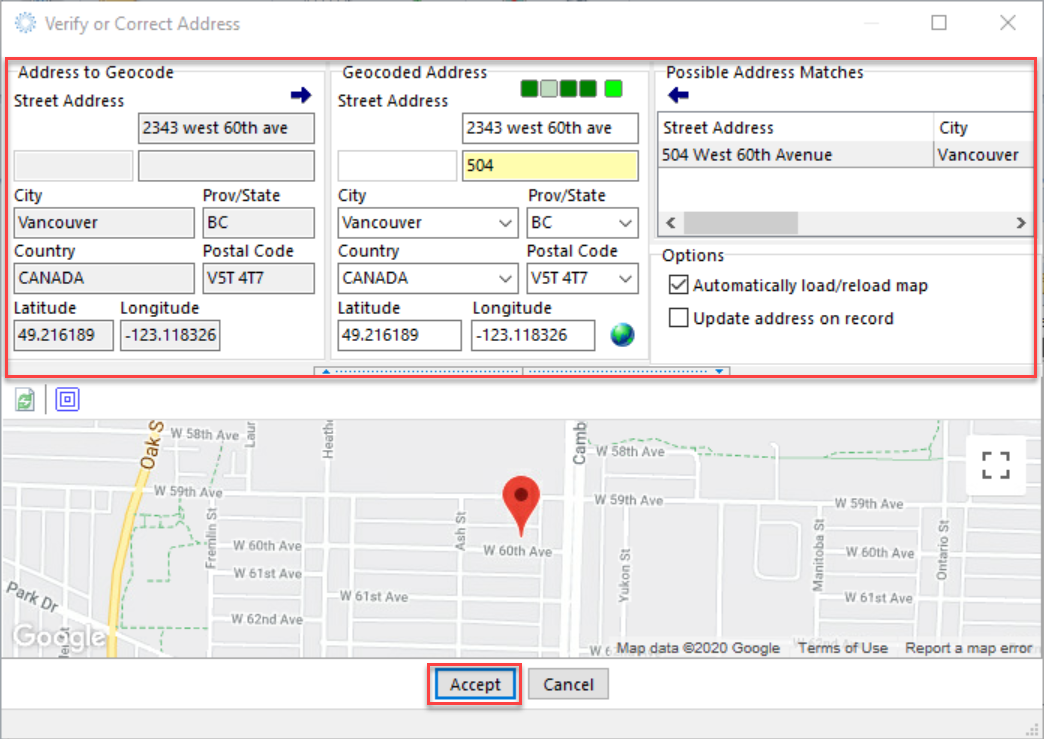
- There will now be a check mark next to the globe. Click Save.

- If this address was set to Place of Residence, it will now display in the Home tab.