Introduction
When you create a new Dated Note and click the To... button, it will open up a searchable address book.
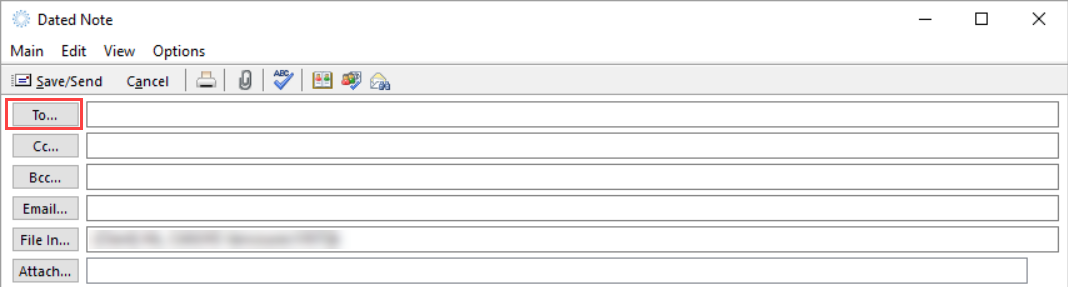
By default, the address book is set to show your personal contacts, not everybody in the organization. You can change this to be more useful.
Changing the Default Address Book
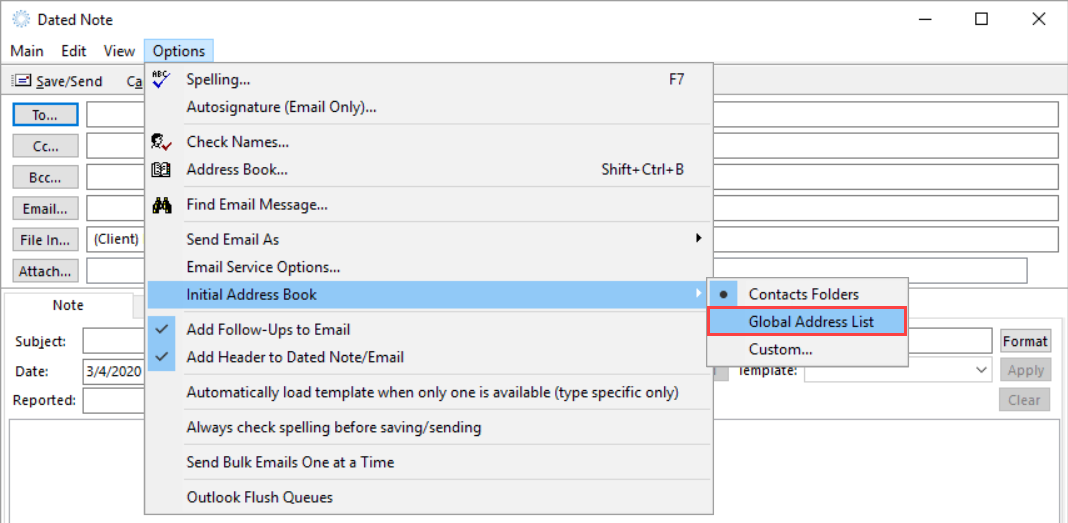
To change your default address book, follow these steps:
- Open a new Dated Note
- Select the Options menu at the top
- Mouse over Initial Address Book
- Set it to Global Address List