When your password is due to expire, Service Desk will send you email alerts before this happens to let you know.
To change your expired password on your mobile device, follow these steps:
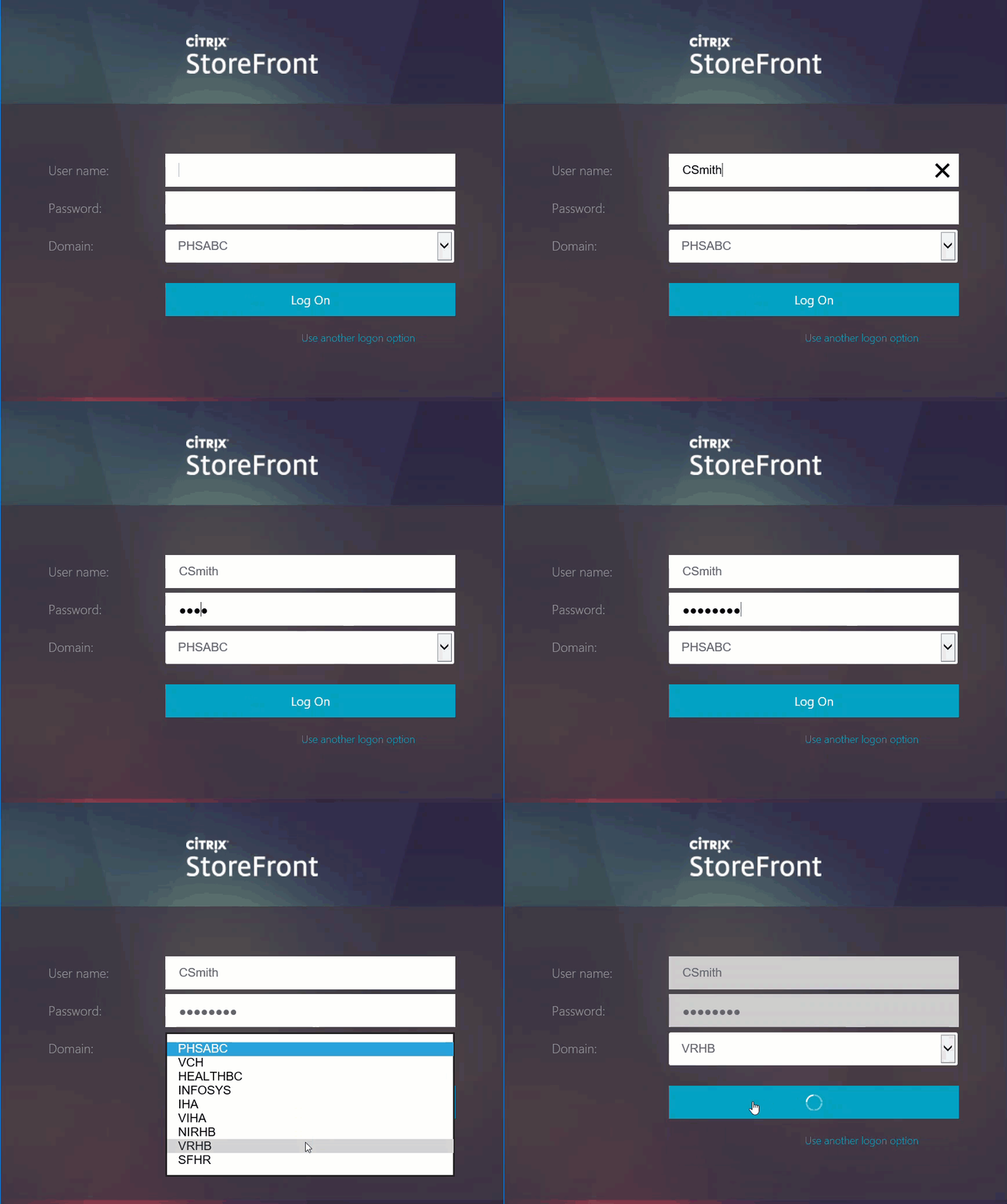
- On your VCH phone, tap on the InternalApps App (check your App Drawer)
- Enter your username, current password and domain.
- Tap Log On.
- Enter in your old password.
- Enter in your new password and confirm your password
Your new password must meet the following criteria
- Are at least 12 characters long
- Are not frequently used (e.g. spring2022) or easily guessable (e.g. password1234)
- Do not contain single words found in the dictionary (e.g. ,abbreviation, bachelorette, calculations, etc.)
- Have a variation of upper (A-Z) and lower-case (a-z) letters
- Include at least one number and/or one special character (e.g. ! @ #)
- Do not contain information easily connected to you (e.g. birthday, phone number, spouse's name, pet's name or home address)
- Must not have been used before, follow patterns or sequences
- Tap OK