To login to Procura you must already have a Citrix icon and an account. Start from your compter's desktop.
1. Launch Citrix Storefront in your web browser
2. Open Procura - Production
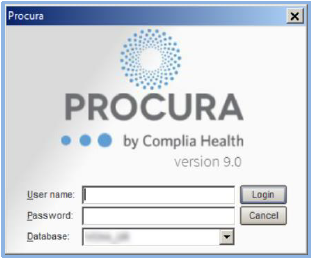
3. Enter your User name and Password
4. Click Login
To login to Procura you must already have a Citrix icon and an account. Start from your compter's desktop.
1. Launch Citrix Storefront in your web browser
2. Open Procura - Production
3. Enter your User name and Password
4. Click Login